Local vs Cloud Smart Home Control: A Practical Comparison
· HomeTechPulse
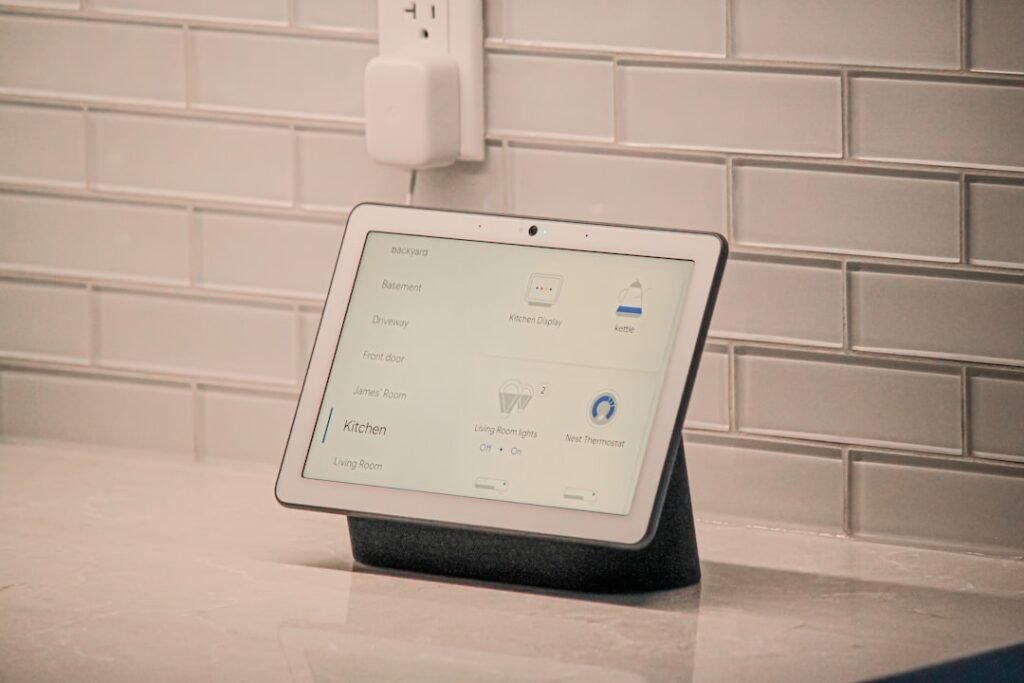
“Local” and “cloud” are often used as if one word can explain a complete smart-home system. A more useful comparison starts with a task: turning on a lamp from the sofa, running a routine, changing a setting while away, or receiving a notification.
Each task can have different dependencies. The right question is not only which label appears on the product page, but what must be available for the action you care about to succeed.
This is an architecture comparison and planning worksheet, not a hardware benchmark. It does not claim that one product was faster or more reliable in testing.
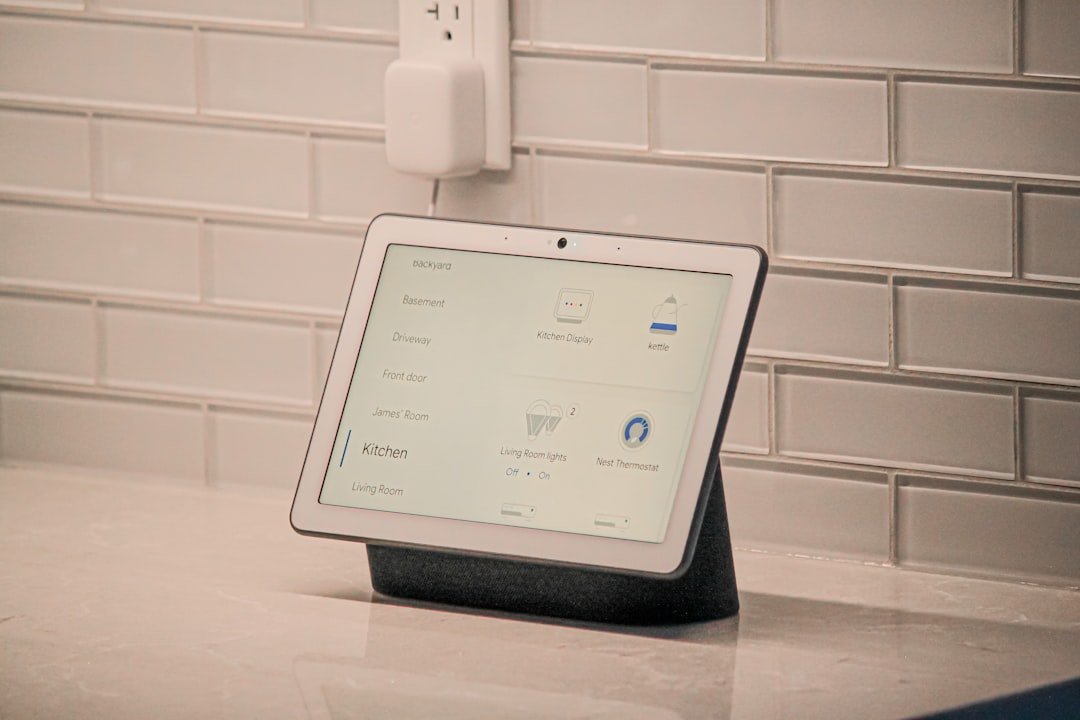
Separate device control from remote access
Home Assistant documents local control of Matter devices without a vendor cloud connection for that control path; it notes that some products can still require a vendor account during setup. Home Assistant: Matter
Reaching your home system from elsewhere is a separate problem. Home Assistant's remote-access guide distinguishes local access from options such as its cloud service and a VPN. A system can therefore use local device control while also offering a remote-access route. Home Assistant: Remote access
For this comparison, local control means the task's control path stays within the home system and network. Cloud-dependent control means that task requires an external service. Always check the actual product documentation rather than assigning either description from a logo alone.
Compare the tasks you use most
Create one row for each job. Do not fill an entire column with “works offline” because one command is documented as local.
| Task | Questions for a local route | Questions for a cloud-dependent route |
|---|---|---|
| Operate a light from home | Which controller and network components are required? | Which external service and account are required? |
| Run a household routine | Where are its decisions executed? | What happens if its service is unavailable? |
| Control something while away | Which supported remote-access method is configured? | What remote features are included? |
| Receive a notification | Where does the message originate and travel? | Which delivery service must be reachable? |
| Recover after a problem | Who maintains the controller and saved settings? | What recovery process does the provider document? |
These questions expose missing information. They are not promises about any particular platform.
Decide what deserves a fallback
Rank tasks by how inconvenient their failure would be. A decorative scene and a frequently used room light do not deserve the same dependency budget.
For a nonessential scene, you may accept that it occasionally cannot run. For everyday lighting, a clear physical control may matter more than an elaborate automated recovery. Avoid designing the household around an experimental routine as the only way to perform an essential task.
Write a fallback in plain language: “Use this physical control,” “Use the supported local dashboard,” or “Wait until the remote service returns.” If the fallback is unverified, label it that way until you have checked the documentation or observed it safely.
Compare responsibility as well as features
A local-controller route deserves questions about who will manage updates, keep configuration records, and recover from a controller problem. A provider-managed route deserves questions about service terms, support, account recovery, and which features depend on continuing access.
Neither column has to win every row. A practical decision may be to keep one everyday control simple while using a convenient supported service for a nonessential remote feature. Treat that as a deliberate choice, with the dependencies written down.
Do not infer privacy protections or subscription costs from the architecture label alone. Read the privacy policy and current feature terms for the exact products and services being considered. Those details need their own comparison.
Build a dependency worksheet
For each important task, complete the following fields:
- Initiating control: the button, app, sensor, or other input.
- Decision point: the documented place where the routine or command is handled.
- Required equipment: the specific components identified in the setup.
- External dependencies: any account, service, internet access, or delivery route required for this task.
- Fallback: what a household member can do when the preferred route is unavailable.
- Evidence: the relevant documentation or a dated observation.
Keep documentation and testing distinct. “The manual states this should work” and “I observed this working on my setup” are different levels of evidence, and both are worth recording accurately.
Evaluate outage behavior carefully
An internet interruption, a home-network interruption, and a loss of device power are different scenarios. Do not use one as a substitute for the others when discussing reliability.
Start by reading the relevant documentation and reviewing any naturally occurring failure records. If you choose a deliberate test, limit it to a nonessential setup in a maintenance window, make sure everyone affected agrees, and keep a clear restoration method. Avoid interrupting equipment that supports essential household functions.
Record the exact scenario and command. “Worked during this brief internet interruption while the home network stayed available” is more informative than “works offline.” Check remote access separately from a command issued inside the home.
Make the choice for this household
Choose the route that documents your required features, offers an acceptable fallback, and assigns maintenance work to someone willing to do it. Keep unsupported assumptions visible before buying or expanding.
For a first-room project, that may mean starting with a single clear control and postponing remote access. For someone who often travels, verified away-from-home operation may be a more important requirement. The worksheet lets those priorities produce different, defensible decisions without pretending there is one best architecture for everyone.
Related guides
- How to Start a Smart Home in One Room: A Practical Plan
- Matter vs Thread vs Wi-Fi: A Smart Home Buying Checklist
Sources and method
Background was checked on 21 September 2026 using Home Assistant's Matter integration documentation and remote-access guide. The task comparison and dependency worksheet are HomeTechPulse editorial analysis. No speed measurements, outage experiments, or hands-on product ratings were conducted for this article.