5 Simple Smart Home Automations with Clear Stop Rules
· HomeTechPulse
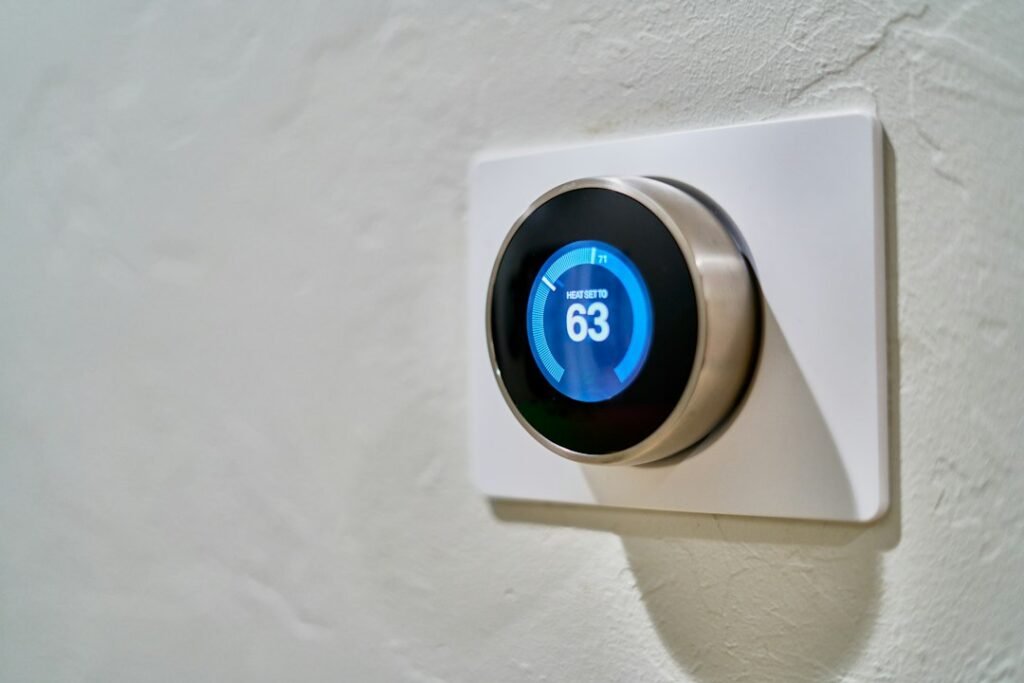
A routine can be technically correct and still annoy everyone in the room. The light turns on as requested, but it also turns on while someone is sleeping. A reminder works, but repeats until people start ignoring it.
Before building an automation, decide when it should act, when it should stay quiet, and how someone can stop it. The five examples below are platform-neutral design recipes. They are not ready-to-import configurations or claims of compatibility with every app.
Give each routine a short specification
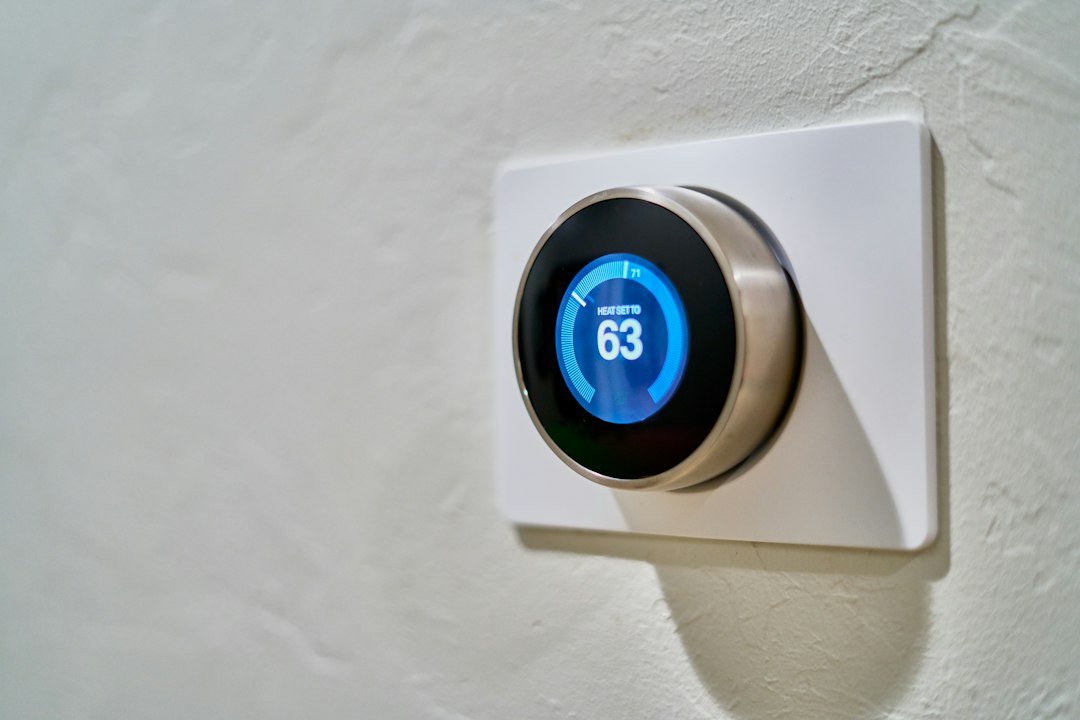
Home Assistant describes an automation in terms of a trigger, optional conditions, and actions. The trigger starts an evaluation; conditions can prevent the action from proceeding. Home Assistant: Understanding automations
Add two editorial planning fields to that model: an exception and a recovery method. An exception describes a normal household situation where the routine should not proceed. Recovery tells someone how to return to ordinary control.
| Field | Planning question |
|---|---|
| Start | What event should initiate this? |
| Permission | What must be true before it acts? |
| Result | What single useful change should happen? |
| Exception | When would that result be unwelcome? |
| Recovery | How can someone stop or reverse it? |
1. A reading-finished button
Goal: Turn off one reading lamp with a deliberate command from the bedside.
Use a supported button, app control, or voice command as the start. Target the reading lamp specifically. Leave the other person's lamp and shared room lights outside the routine unless everyone has agreed otherwise.
The exception is simple: someone is still using that lamp. Give the control a name that makes its scope obvious, such as “My reading lamp off,” rather than “Good night” if the latter suggests a whole-room action.
Acceptance check: Ask another household member what they expect the button to do before they press it. Compare their expectation with the actual result. If the name misleads them, rename it before expanding the routine.
2. An optional evening light
Goal: Turn on a chosen light at a useful evening time only when the household wants the schedule active.
Choose a time and, if your platform supports it, a clearly named enable/disable control such as “Evening lighting.” Start with one light. Specify the intended state rather than a toggle that could produce a different result depending on its starting state.
The exception could be a movie night, an empty room, or someone resting. Avoid complicated presence rules at first. A visible way to disable the routine may be easier for the household to understand.
Acceptance check: Try the scheduled event once with the routine enabled and once with it disabled. Record both outcomes. A routine that works only in the “on” test is not fully checked.
3. A short movement-triggered orientation light
Goal: Provide a low-brightness light in a suitable area during agreed nighttime hours.
This recipe needs a supported movement event, a controllable light, and timing options in your chosen platform. Decide how a second movement event affects the off timer before building it: should it extend the light, restart a countdown, or leave the existing timer alone?
Keep this separate from essential lighting. Plan for someone who moves slowly, pauses, or cannot easily trigger the sensor. Preserve a reachable manual control and avoid relying on an untested routine for a critical route.
Acceptance check: Test entering, stopping, returning before the timer ends, and approaching from another direction. Record which behavior you wanted for each case before observing the result.
4. A one-time household reminder
Goal: Send a useful reminder once, with a straightforward way to acknowledge or disable it.
Pick a modest task, such as checking whether a planned room setup is ready for the evening. Use an agreed schedule or supported event. Decide who receives the message and avoid sending it to people who do not need it.
The exception is a task already completed. If your platform supports an acknowledgement flag, include it. If it does not, a deliberately limited schedule may be more usable than repeated notifications.
Acceptance check: Trigger the reminder, acknowledge or disable it, and repeat the initiating event. Verify that the result matches your intended repeat policy. Keep the first version to one notification channel.
5. A deliberate leaving-the-room command
Goal: Turn off an agreed group of nonessential lights after the last user decides the room is finished for now.
Begin with a button or other deliberate command rather than trying to infer that the room is empty. List every target by name. Leave shared equipment and anything that should remain running outside the group.
The exception is someone still using the room. The command's name and placement should make it easy to understand its effect. Add a simple way to restore the normal lighting without rebuilding the routine.
Acceptance check: Review the target list with everyone who uses the room, then check the physical result. A device that was accidentally included is a configuration issue even if the routine completed without an error.
Keep a test card for each routine
Record the routine name, intended result, permitted times, excluded devices, repeat behavior, and recovery control. Add three rows: normal use, exception, and repeat event. Leave space for expected and observed outcomes.
Implement one recipe at a time. If the second routine unexpectedly changes the first one's result, disable the new routine and investigate the interaction. That gives you a useful comparison instead of several changes with no clear cause.
Related guides
- How to Start a Smart Home in One Room: A Practical Plan
- Home Assistant Automation Not Working? A Step-by-Step Diagnosis
Sources and method
The trigger–condition–action terminology follows Home Assistant's automation basics, checked on 21 September 2026. The five recipes and household checks are illustrative HomeTechPulse designs. Required controls, sensors, timers, and notifications must be verified in the reader's own platform before implementation.