A Smart Home Privacy Audit: Accounts, Permissions, and Data Checklist
· HomeTechPulse
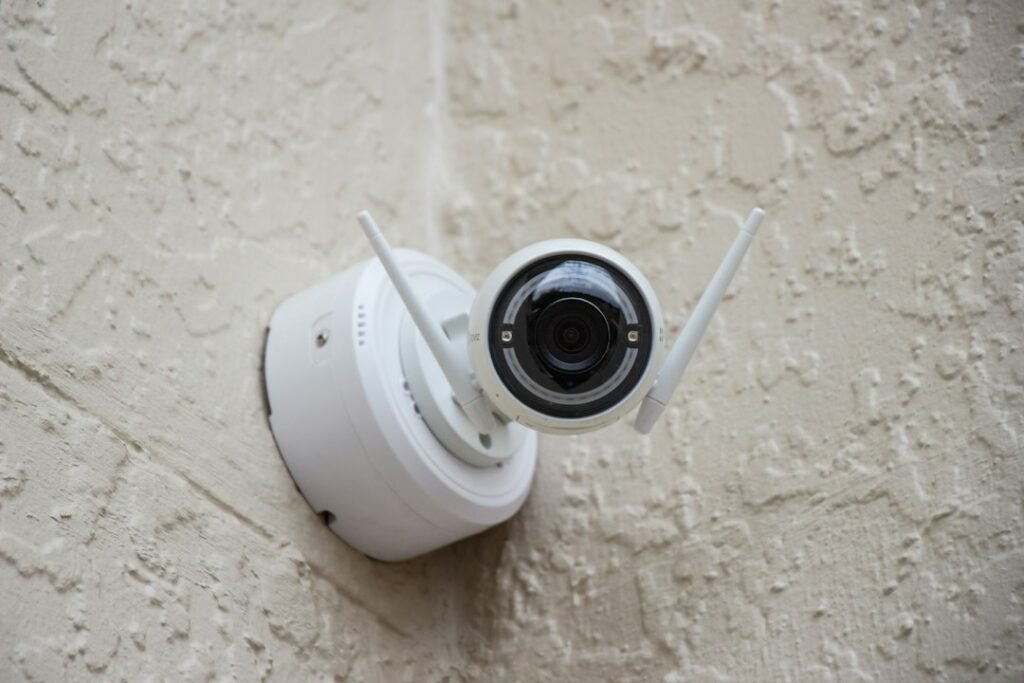
A smart home can collect more than device settings. Cameras may store clips, locks may keep event histories, presence features may infer when people are home, and automations may reveal daily routines. A smart home privacy audit turns that scattered information into a short, practical review: who has access, what data exists, where it goes, and what should change.
This is not a penetration test, and it does not require inspecting network traffic. The goal is to document the system you actually have, remove access you no longer intend to grant, and avoid deleting useful data by accident.
Start with an inventory, not a settings spree
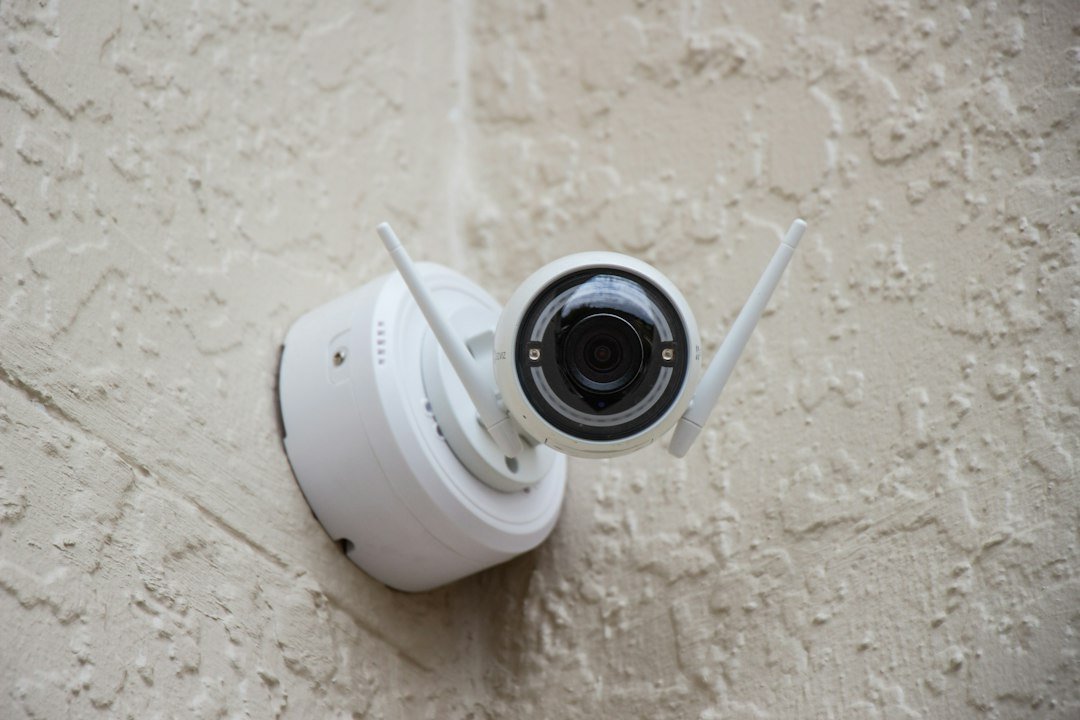
Before switching anything off, list the devices and services that make the home work. Include hubs, speakers, cameras, doorbells, locks, thermostats, robot vacuums, sensors, bridges, voice assistants, cloud dashboards, and third-party automation services. A device can depend on several accounts, so “one row per gadget” is often not enough.
| Record | Question to answer | Action |
|---|---|---|
| Device and exact model | What is it, and where is it installed? | Copy the model from the label or app. |
| Primary account owner | Which household account controls removal and recovery? | Confirm the owner can still sign in. |
| People and roles | Who can view, control, invite, or change settings? | Reduce access to the minimum each person needs. |
| Connected services | Which assistants, dashboards, or automations can reach it? | Remove integrations that are no longer used. |
| Data and history | Does it create video, audio, presence, lock, or usage records? | Find retention, export, and deletion controls. |
| Updates and support | Where are firmware and support notices published? | Save the official support page and check current status. |
NIST describes its IoT cybersecurity capability baseline as a starting point for identifying capabilities that can support common security controls—not as a one-size-fits-all consumer checklist. That distinction is useful here: inventory first, then tailor the decisions to the sensitivity and function of each device. See the official NIST IR 8259A overview and the broader NISTIR 8259 series.
Review people, roles, and household access
Open the “home,” “household,” “family,” or “members” screen in each main platform. Do not stop at the list of names. Check whether each person is an administrator, a regular member, or a guest, and what that role can see.
Permissions vary by platform. Google Home, for example, documents Admin and Member access, with additional Activity and Settings controls for members. Its support page notes that activity access can include camera, lock, automation, and presence histories. Treat this as a Google-specific example and check the current documentation for every platform you use: Manage people and permissions in the Google Home app.
- Remove accounts belonging to former residents, installers, or temporary guests.
- Downgrade administrator access when a standard role is sufficient.
- Check whether invitations are still pending and whether old shared links remain active.
- Confirm that at least one current household member can recover the primary account.
Pause before removing the last administrator or the account that originally set up a device. Some platforms tie subscriptions, histories, or ownership transfer to that account. Read the product’s removal instructions first.
Check app permissions and linked services
Review the smart-home apps in the phone’s privacy settings. Look at camera, microphone, precise location, local-network, Bluetooth, contacts, background activity, and notification permissions. A permission may be essential during setup but unnecessary afterward; the reverse is also possible. For example, disabling local-network access can prevent discovery or control on the home network.
Then review integrations inside the smart-home platform: voice assistants, energy dashboards, security monitoring, webhooks, and third-party automation tools. For each connection, write down why it exists and who maintains it. Disconnect only after identifying the automations or routines that depend on it.
Map the data before deleting it
For cameras and doorbells, check live-view access, clip history, recording zones, audio capture, face or package features, and download options. For locks and alarms, review entry and event logs. For speakers and assistants, find voice-activity controls. For presence and automation platforms, look for occupancy, location, and execution histories.
Record three things: where the data is stored, how long it is retained, and how it can be exported or deleted. “Local” and “cloud” describe control and storage paths, not automatic guarantees of privacy. Our guide to local versus cloud smart-home control explains the trade-offs.
Save any clips or logs the household genuinely needs before changing a subscription, removing a home, or resetting equipment. Product-specific instructions matter: Google’s documentation, for example, warns that removing a home or product can affect associated settings and history. Review the current Google Home removal guidance before acting on Google devices.
Secure the accounts and the network beneath them
Use a unique password for every primary smart-home account and enable multi-factor authentication when the service offers it. Verify the recovery email, recovery phone, and trusted devices. A password manager can help keep household accounts separate without reusing credentials.
The router deserves its own line in the audit. The U.S. Federal Trade Commission recommends WPA3 Personal or WPA2 Personal encryption, changing default router credentials and network names, keeping router software current, enabling the firewall, and using a guest network. It also advises disabling remote management, WPS, and UPnP when they are not needed. See the FTC’s current home Wi-Fi security guidance.
The Wi-Fi password and the router’s administrator password are different credentials; protect both. If you are changing network equipment, use our smart-home router replacement checklist to avoid reconnecting devices at random.
Use a safe removal sequence
When a device, service, or household member should be removed, use this order:
- Identify the current owner account and any paid subscription.
- Export or save histories the household intends to keep.
- Document automations and integrations that will break.
- Remove shared users and third-party connections through the official app.
- Cancel subscriptions separately if the vendor requires it.
- Follow the exact manufacturer’s ownership-transfer or factory-reset instructions.
- Confirm the device no longer appears in household, assistant, and partner-service lists.
Do not experiment casually with locks, smoke or carbon-monoxide alarms, monitored security systems, or accessibility equipment. Use the vendor’s current instructions and support channel, and plan for temporary loss of service.
A 30-minute audit you can finish today
| Minutes | Task | Done when |
|---|---|---|
| 0–5 | List the main platforms and account owners. | Every hub or cloud account has a named owner. |
| 5–12 | Review household members and roles. | Unknown and obsolete access is resolved. |
| 12–18 | Review connected services and phone permissions. | Every connection has a documented purpose. |
| 18–24 | Check sensitive histories and retention controls. | You know where video, presence, and access logs live. |
| 24–30 | Check account recovery and router basics. | Recovery works and router settings match current guidance. |
Finish by assigning each finding to one of three buckets: fix now for unknown administrators or exposed recovery paths; plan for changes that could interrupt devices; and document for settings that are intentional and working. Repeat the review after a move, a household membership change, or a major device addition. There is no universal interval—the useful schedule is one your household will actually follow.
Related HomeTechPulse guides
- How to Start a Smart Home in One Room
- Local vs. Cloud Smart Home Control
- Replacing Your Wi-Fi Router? A Smart Home Reconnection Checklist
Sources and scope
This guide is based on official documentation reviewed September 25, 2026: NIST IR 8259A, the NISTIR 8259 series, the FTC’s home Wi-Fi security guidance, and Google Home’s current pages for people and permissions and home and product removal. Product screens and capabilities can change, so verify the instructions for your exact model and region before removing access or resetting equipment. This is a documented how-to comparison, not a hands-on product test.