Will Smart Smoke Alarms Still Work Without Wi-Fi? Three Safety Paths Compared
· HomeTechPulse
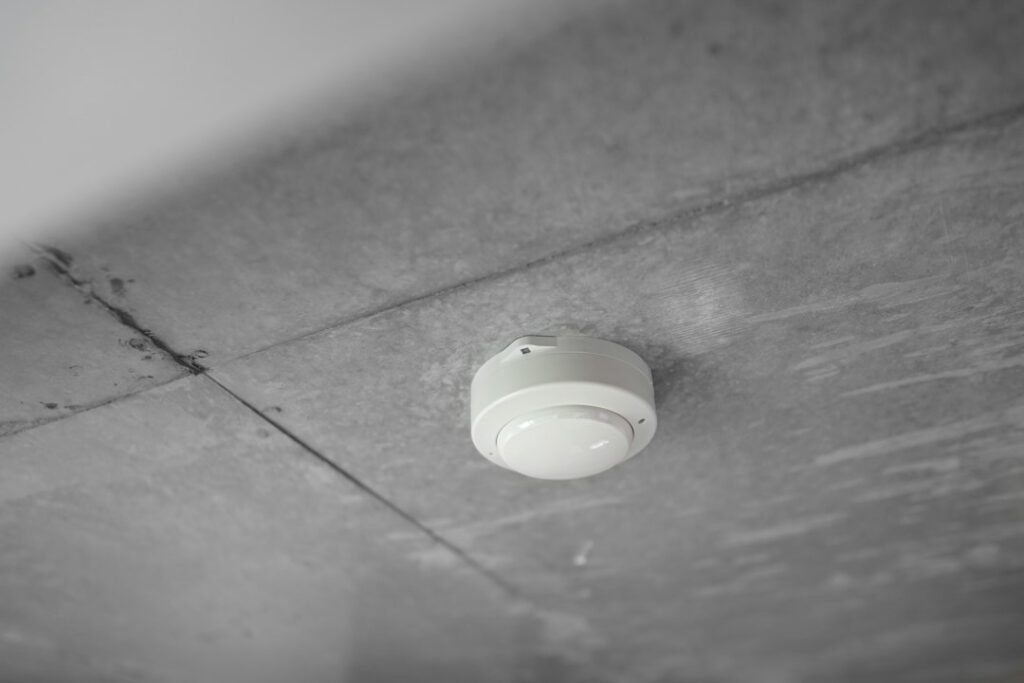
Short answer: a properly installed smoke or carbon-monoxide alarm should still sound locally when home Wi-Fi fails. What may stop is the extra path to an app, cloud service, monitoring center, or person away from home. The important buying question is therefore not simply “Does it have Wi-Fi?” but “Which safety functions remain inside the alarm, and which depend on a bridge, internet service, or subscription?”
This documentation-based comparison follows three very different paths: the First Alert SC5 integrated smoke-and-CO alarm, the Ring Alarm Smoke & CO Listener that listens for an existing alarm, and the X-Sense XS01-M with SBS50 base station used in the FS31 kit. HomeTechPulse did not install or bench-test these products. Specifications and support pages were checked on October 30, 2026; availability, regional certification, app behavior, and subscription terms can change.
Safety comes before smart features
Use alarms approved for your country and home, and follow the manufacturer, local fire authority, building code, and any landlord or insurer requirements. In the United States, the NFPA recommends smoke alarms in every sleeping room, outside each sleeping area, and on every level; it also recommends interconnected alarms, monthly testing, and replacement when an alarm is 10 years old. A phone notification is useful, but it is not a substitute for a compliant alarm that wakes people inside the home.
The four roles people often mix up
| Role | What it does | What a Wi-Fi failure should mean |
|---|---|---|
| Detector and local siren | Senses smoke, heat, or CO and sounds inside the home. | A battery-powered or backed-up alarm should continue its certified local function if it is healthy and powered. |
| Alarm interconnect | Makes other alarms sound when one detects danger. | It may use wiring or a separate low-power radio, so it can continue without home Wi-Fi—only if the exact model documents that behavior. |
| Bridge or base station | Translates an alarm or listener signal into an app or security ecosystem. | Local behavior may continue, but remote features depend on the bridge’s power and network path. |
| Internet, cellular backup, and monitoring | Sends alerts beyond the home and may contact a monitoring center. | Internet loss blocks the normal cloud path. Cellular backup and professional monitoring require compatible hardware, service, region, and often a paid plan. |
Three connection paths compared
| Exact path | Local life-safety device | Interconnect and remote path | What remains when home Wi-Fi fails | Important limitation |
|---|---|---|---|---|
| First Alert SC5 FSMCO600NVCL1 / SMCO600NV | Integrated smoke-and-CO alarm; six replaceable CR123A batteries; 85 dB at 10 feet | Alarm → proprietary 2.4 GHz 802.15.4 alarm mesh → SC5 alarms; Wi-Fi → First Alert app | First Alert says paired alarms communicate directly after setup even during a power outage or when Wi-Fi is down. The local alarm also remains battery powered. | App alerts need the internet path. Confirm regional certification and compatibility before purchase. |
| Ring Alarm Smoke & CO Listener | None in the listener. A separate compliant smoke/CO alarm supplies detection and the audible warning. | Existing alarm sound → Listener → Z-Wave → Ring Alarm/Alarm Pro base station → internet or eligible cellular backup → app/monitoring | The existing smoke/CO alarm must still sound on its own. The Ring base station can keep its own local alarm state while offline, but app control is unavailable; cellular backup requires an eligible subscription. | The Listener is not a smoke/CO detector, must be very close to the alarm, and Ring’s shop page marks it discontinued. |
| X-Sense XS01-M + SBS50 FS31 kit | Each XS01-M is an independent photoelectric smoke alarm; replaceable CR123A battery; at least 85 dB at 10 feet | Alarm → proprietary 915/868 MHz interconnect → other alarms/SBS50 → 2.4 GHz Wi-Fi → app; optional Protect+ service | X-Sense says the alarms remain interconnected and sound even if the base station is disconnected or power is cut. App access is unavailable without the Wi-Fi/cloud path. | This path is smoke-only in the compared kit. CO coverage, regional frequency/certification, and optional service terms need separate confirmation. |
Path 1: First Alert SC5—alarm-to-alarm communication without the router
The SC5 is the most direct of the three designs because smoke and CO sensing, the local siren, batteries, alarm interconnect, and app connectivity live in the alarm family itself. First Alert lists model FSMCO600NVCL1 with six replaceable CR123A batteries, an 85 dB alarm at 10 feet, and UL 217 10th-edition compliance on its SC5 product page.
The crucial offline detail is in First Alert’s interconnection support documentation: compatible SC5 alarms use proprietary 2.4 GHz 802.15.4 communication that is separate from the home’s 802.11 Wi-Fi. After setup, the alarms communicate directly, including when home Wi-Fi is down or utility power is out. First Alert documents a mesh with up to 50 feet per hop and a network limit of 18 initiating alarms, including no more than 12 smoke alarms and six CO alarms.
Worked configuration: place one SC5 on each required level and in the required sleeping-area locations, commission the group in the app while Wi-Fi is available, then use only the manufacturer’s approved test procedure to confirm that one alarm makes the others sound. Expected result: the local and interconnect layers work even when the router is temporarily unavailable. If only the initiating alarm sounds, treat it as an interconnect/setup problem—not an app-notification problem—and follow First Alert’s pairing and distance guidance before relying on the system.
Path 2: Ring Listener—an add-on ear, not an alarm
The name is literal. Ring’s support page says the Alarm Smoke & CO Listener is not a smoke or CO detector. It listens for the sound pattern of an existing compliant alarm and relays the event over Z-Wave to a Ring Alarm or Alarm Pro base station. Ring says the existing alarm should be no more than 10 years old, the Listener should be within six inches of it (three inches is described as optimal), and the Listener’s 3V lithium battery lasts up to three years.
During a broadband outage, the existing smoke/CO alarm remains the life-safety device. Ring says an offline base station can remain armed and sound its siren, while app control is unavailable; eligible cellular backup depends on a compatible subscription. Separate 24/7 smoke and CO monitoring also has plan and regional requirements.
Lifecycle warning: Ring’s current shop page labels the Listener discontinued. That makes it a useful example of the listener architecture, but not a default buying recommendation. Before using remaining inventory or an existing unit, verify current support, compatible Ring Alarm hardware, service availability, battery condition, and the age and compliance of the underlying smoke/CO alarm. A discontinued smart accessory must never delay replacement of the actual alarm.
Path 3: X-Sense XS01-M—independent alarms plus a Wi-Fi bridge
In the FS31 kit, each XS01-M is a battery smoke alarm that can detect and sound independently. X-Sense lists photoelectric sensing, a replaceable CR123A battery with a five-year typical life, an alarm level of at least 85 dB at 10 feet, and 915/868 MHz wireless interconnection. The SBS50 base station adds the 2.4 GHz Wi-Fi/app path.
The FS31 product documentation explicitly separates these layers: the alarms remain interlinked and sound together even if the base station is disconnected or power is cut, while app functions depend on the base station and Wi-Fi. X-Sense Protect+ fire-dispatch service is optional and subject to its current subscription and availability terms.
Worked configuration: a three-story home could place one alarm on each required level and use the SBS50 as the bridge to the app. The expected offline outcome is that a tested alarm still sounds locally and triggers the paired alarm group, while the phone alert disappears when the base station loses Wi-Fi. If the local group works but the app stays silent after internet service returns, troubleshoot the base station/app route rather than replacing otherwise functional detectors without evidence.
Completed diagnostic example: the alarm sounds, but the phone is silent
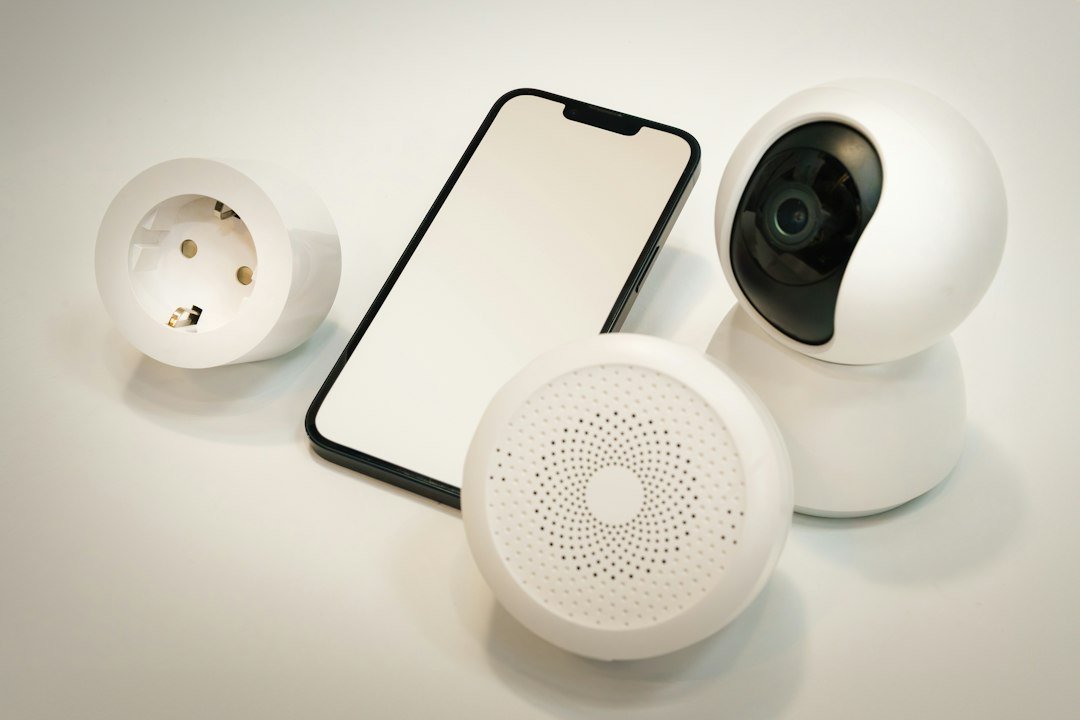
This hypothetical example shows how to trace the layers without confusing a cloud failure with an alarm failure.
- Start with the local alarm. Use the manufacturer’s test button and procedure—never open flame, real smoke, or vehicle exhaust. Expected: the tested unit sounds. If it does not, stop and follow the maker’s battery, replacement, and support instructions.
- Check the documented interconnect. Expected: other paired alarms sound where that model promises interconnection. If only one sounds, check pairing, distance, batteries, model compatibility, and radio/network limits.
- Check the bridge or base station. Expected: it has power and shows the documented healthy state. If local alarms work but the bridge is offline, the safety layer and the remote layer have different outcomes.
- Check internet or cellular service. Expected: broadband is restored, or an eligible paid cellular-backup path is active. If neither path exists, no remote event can reach the cloud.
- Check the cloud account and phone. Confirm the correct home/account, app notification permission, background-data permission, quiet/focus modes, and current service status. If a test event reaches another phone but not yours, the fault is probably phone/account-specific.
| Observed result | Most likely layer | Next decision |
|---|---|---|
| No local test sound | Alarm power, age, hardware, or test procedure | Treat as urgent life-safety maintenance; follow the manufacturer and local authority guidance. |
| One alarm sounds, paired alarms do not | Interconnect setup, distance, or compatibility | Recheck the exact supported pairing path and limits. |
| Local group sounds, app is silent | Bridge, internet, cloud, account, or phone | Keep the local system in service only if it passes its approved tests; repair the remote path separately. |
| App works on Wi-Fi but not during an outage | No cellular backup, ineligible plan, or exhausted backup power | Decide whether remote outage alerts justify compatible backup hardware/service. |
A safer outage test
- Tell everyone in the home that you are testing, and protect anyone who is sensitive to loud sound.
- Record alarm model numbers, manufacture/replace-by dates, battery types, and which units should interconnect.
- Run the maker’s normal test procedure with the router online. Record local, interconnected, app, and monitoring results separately.
- If the manufacturer documents offline operation, temporarily disconnect only the home internet path—do not disable the alarms. Repeat the approved test.
- Expected: local alarms and any documented independent interconnect still sound; cloud-dependent app alerts may not arrive. Restore the network immediately and confirm reconnection.
- If any life-safety function fails, follow manufacturer support and local fire-safety guidance. Do not treat a successful app notification as proof that the detectors themselves are healthy.
Buying worksheet: write down the whole path
| Question | Your answer |
|---|---|
| Country/region and required alarm standard | ____________________ |
| Required placement: sleeping rooms, outside sleeping areas, every level, other local rules | ____________________ |
| Need smoke only, CO only, or combined sensing? | ____________________ |
| Is the product a detector, a listener, a bridge, or several of these? | ____________________ |
| Primary and backup power for each alarm and bridge | ____________________ |
| Exact offline interconnect method and documented limits | ____________________ |
| Remote path: Wi-Fi, base station, cloud, phone, cellular backup | ____________________ |
| Required hub/controller and current support status | ____________________ |
| Subscription, monitoring, dispatch, or cellular cost | ____________________ |
| Excluded features, regional limits, and unknown costs to verify | ____________________ |
| Monthly test date, battery plan, and replace-by date | ____________________ |
The practical decision
If you want the shortest, most robust path, start with compliant alarms that detect and sound locally, then add only the interconnect and remote layers you can test and maintain. The First Alert SC5 documents a direct alarm mesh separate from home Wi-Fi. The X-Sense XS01-M documents independent alarms plus a proprietary interconnect, with the SBS50 acting as the app bridge. Ring’s Listener demonstrates how an existing alarm can feed a security ecosystem, but it is not a detector and the product is marked discontinued.
For the wider resilience plan, use our smart-home power outage worksheet to map backup power, review local versus cloud control, and follow the router replacement checklist before changing the network that carries app alerts. None of those smart-home layers replaces a tested, correctly placed life-safety alarm.
Source note: This article compares manufacturer-documented behavior and NFPA safety guidance; it is not a hands-on review, certification opinion, or substitute for local fire-safety advice. Product documentation checked October 30, 2026.
Leave a Reply