Smart Home Power Outage Plan: Test Wi-Fi, Hubs, Locks, and Recovery
· HomeTechPulse
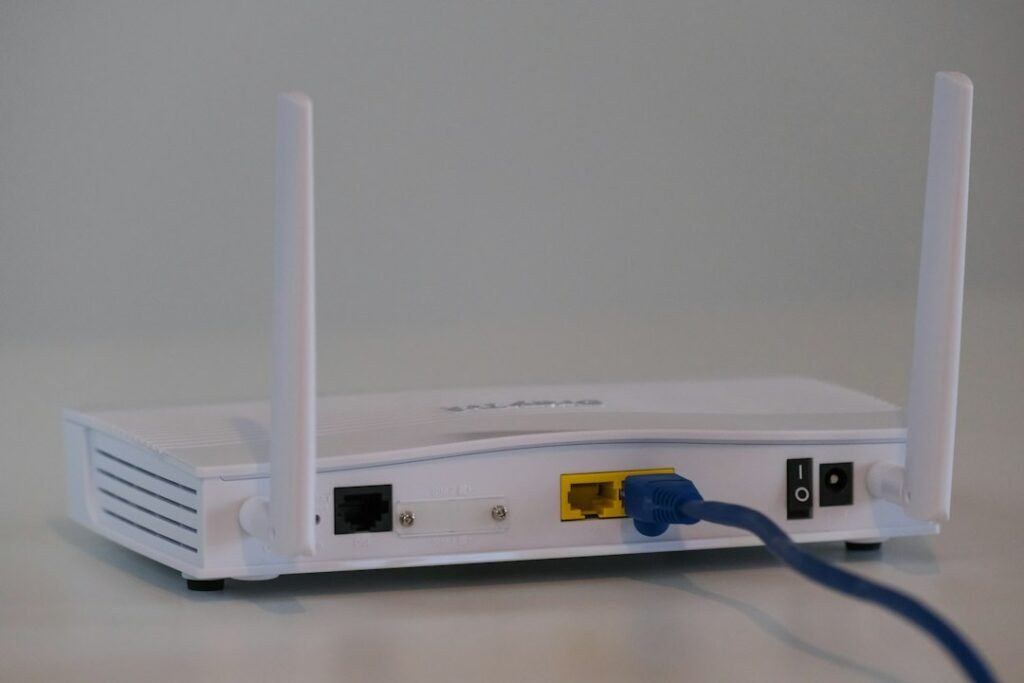
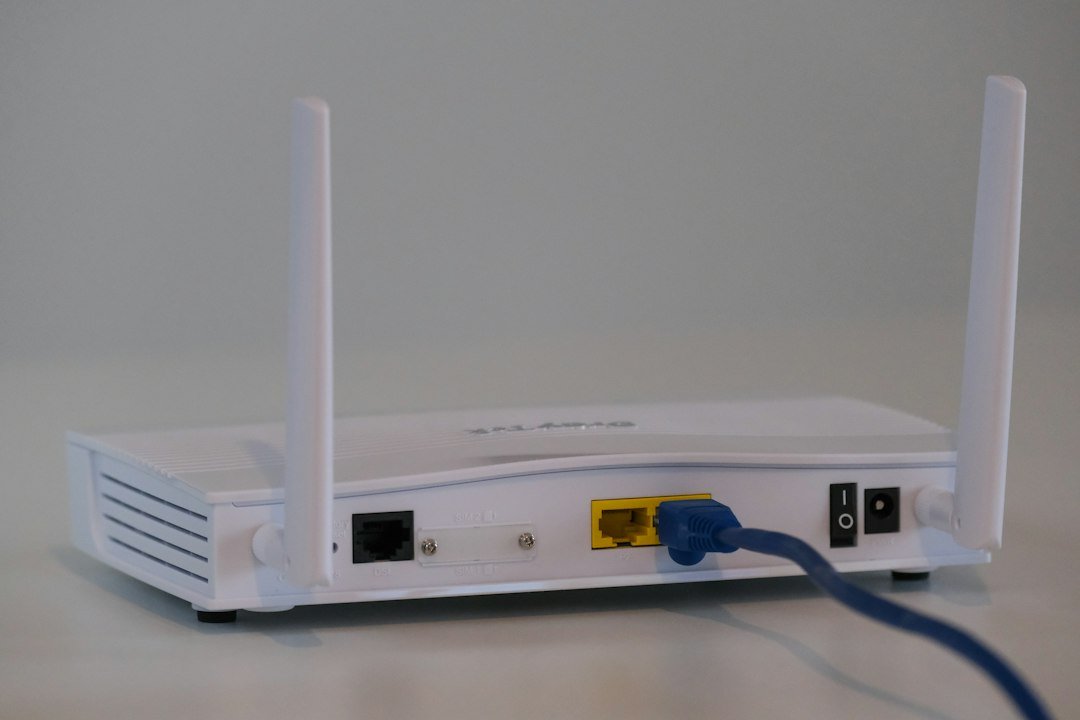
A power cut and an internet outage are not the same failure. Your router may lose internet while local Wi-Fi still works, battery devices may stay awake while their hub goes offline, and a cloud-dependent app may fail even though the device still has power. A useful smart home power outage plan separates those situations and tests them safely before an emergency.
This guide is a controlled household test, not an electrical installation guide. It will help you identify which controls survive, which ones need backup power, and how the system recovers. Do not switch off circuits that support medical, fire-safety, security, refrigeration, or accessibility equipment.
Define the four conditions you need to test
“Offline” is too vague for troubleshooting. Test and document these conditions separately:
| Condition | What changes | What to observe |
|---|---|---|
| Normal operation | Utility power and internet are available. | Baseline response, app status, and routine behavior. |
| Internet unavailable | Router and hubs stay powered, but the WAN connection is removed. | Local app control, physical controls, automations, notifications, and remote access. |
| Selected equipment on backup power | Only equipment connected to an approved backup source remains powered. | Which network and hub functions continue, and for how long. |
| Power and internet restored | Equipment restarts and services reconnect. | Boot order, delayed devices, duplicate alerts, and automations that need intervention. |
The difference between local and cloud control matters here. A local path can reduce dependence on an outside service, but it still needs working power, radios, and controllers. Our local versus cloud smart-home control guide explains those layers in more detail.
Build a dependency map before unplugging anything
Start with the function you care about, then trace every component it requires. “Front door unlock” may depend on a battery-powered lock, a bridge, the router, a cloud account, and the phone app. “Hallway light at night” may depend on a motion sensor, a hub, a controller, and mains power to the bulb.
| Function | Power dependency | Network or service dependency | Fallback |
|---|---|---|---|
| Entry access | Lock battery; bridge power if used | App, hub, cloud, or local radio | Verified physical key or documented manual method |
| Essential lighting | Utility power or approved backup | Switch, hub, or controller | Flashlight in a known location |
| Leak alert | Sensor battery; hub/router power | Local alarm and/or cloud notification | Local audible alert and household response plan |
| Camera recording | Camera, recorder, router, and storage power | Local storage, cloud upload, or both | Documented gap and recovery behavior |
| Heating or cooling control | HVAC and control equipment | Thermostat, hub, or cloud service | Manufacturer-approved manual control |
Add the exact model, account owner, power adapter rating, firmware support page, and location for each item. If the home already has a device inventory from a privacy audit, reuse it rather than creating a second list.
Run an internet-only test first
Keep the router, hubs, and controllers powered. Use the router or internet provider’s documented method to disconnect only the WAN connection—for example, disconnecting the Ethernet cable between a separate modem or fiber terminal and the router. Do not change passwords, reset equipment, or alter the Wi-Fi name.
- Confirm the phone is still connected to the home Wi-Fi and temporarily turn off cellular data so it cannot hide the outage.
- Try physical switches and keypads first.
- Try the smart-home app while connected to local Wi-Fi.
- Watch whether scheduled and sensor-triggered automations still run.
- Check local alarms, camera recording, and door-lock operation without assuming push notifications will arrive.
- Restore the WAN connection and record the time each service takes to return.
If an automation fails, record the trigger time, device state, and failed action instead of repeatedly editing it. The diagnostic sequence in Home Assistant Automation Not Working? is useful even when the root cause is a missing network service.
Test component power loss without using the breaker panel
For ordinary plug-in networking equipment, test one low-risk component at a time using its normal power connector or switched outlet, following the manufacturer’s instructions. Start with a noncritical hub or controller. Do not use a household circuit breaker as a convenient test switch, and do not unplug hardwired safety equipment.
- Record what stops immediately and what continues on battery.
- Check whether physical controls still work.
- Restore power and record the boot order.
- Confirm device clocks, schedules, and automations after recovery.
- Check for devices that remain “unavailable” even after the hub is healthy.
The result is more useful than a generic compatibility list because cloud behavior, firmware, subscriptions, and regional service options can change. Document the date and software version beside every test.
Choose backup power by function, not by guesswork
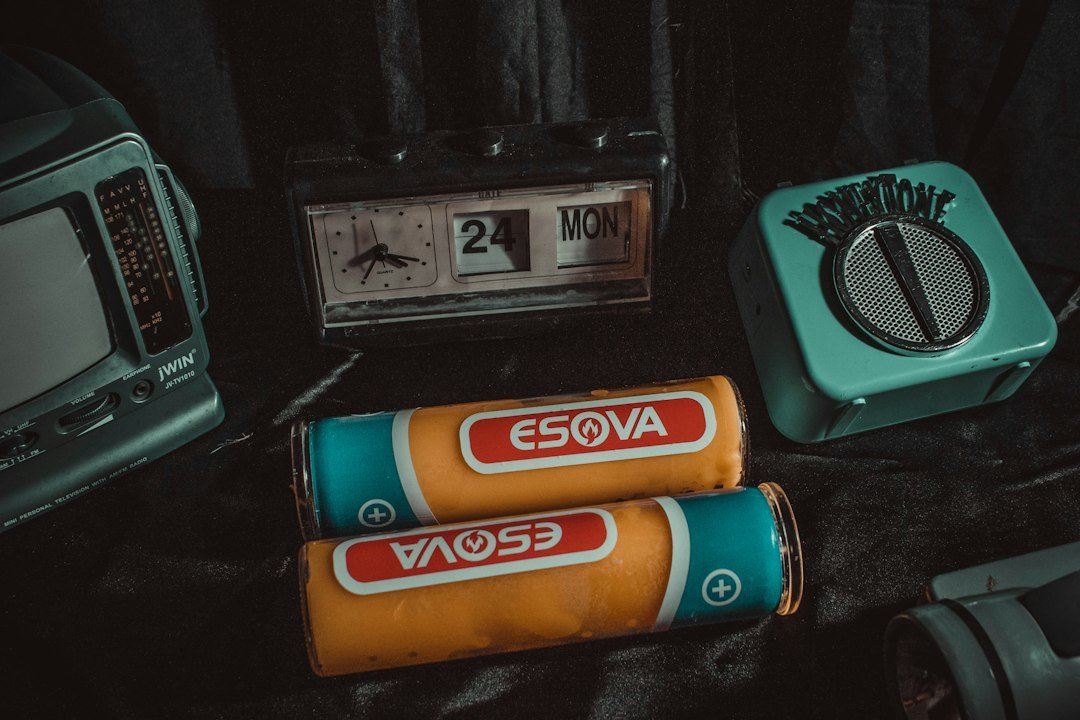
A small uninterruptible power supply (UPS) is often considered for low-power networking and controller equipment, but runtime depends on the actual load, battery condition, conversion losses, and the manufacturer’s design. Do not estimate runtime from the battery label alone.
- List the modem or fiber terminal, router, required switch, hub, and controller.
- Read each device’s input or adapter rating and check actual consumption when the manufacturer provides it.
- Use the UPS maker’s load and runtime chart for the exact model.
- Leave margin for battery aging and confirm replacement requirements.
- Test the complete chain periodically and label every cable.
Do not connect refrigerators, air conditioners, heaters, pumps, garage-door motors, or other high-startup-load appliances to a small computer UPS unless both manufacturers explicitly approve that use. Electrical work, transfer switches, and whole-home backup systems belong with qualified professionals.
Back up the controller before testing recovery
If a central controller stores automations and device credentials, make a current backup before changing hardware or testing a restore. Home Assistant’s official documentation says its backups are encrypted archives and recommends keeping a copy on another system, ideally with an off-site copy. It also requires the backup emergency kit or encryption key for restoration. Follow the current Home Assistant backup and restore instructions for your installation.
A backup is not proven merely because a file exists. Record the creation date, storage locations, and where the recovery key is kept. Plan a restore test on suitable spare hardware or during a maintenance window; restoring can overwrite the current configuration and interrupt service.
Keep life-safety planning separate
Ready.gov recommends making an inventory of electrically powered needs, planning for batteries or other alternatives, and discussing backup plans for refrigerated medicines or power-dependent medical devices with providers. Its power outage guidance should take priority over smart-home convenience.
Portable generators create a carbon-monoxide hazard. In a May 27, 2026 warning, the U.S. Consumer Product Safety Commission said to operate generators outdoors only, at least 20 feet from homes and buildings, with exhaust directed away from windows, doors, and vents. Never run one inside a home, garage, basement, crawlspace, shed, porch, or carport. Read the exact CPSC generator and carbon-monoxide warning.
Your one-page outage record
| Item | Record |
|---|---|
| Test date and software versions | ____________________________ |
| Functions that work without internet | ____________________________ |
| Functions that work on backup power | ____________________________ |
| Manual fallbacks confirmed | ____________________________ |
| Restart order | ____________________________ |
| Devices needing intervention | ____________________________ |
| Backup location and recovery-key location | ____________________________ |
| Next test trigger | After a major update, router change, controller change, or household move |
A resilient smart home is not one that never fails. It is one whose failure modes are known, whose essential controls have safe fallbacks, and whose recovery steps are short enough to follow in the dark.
Related HomeTechPulse guides
- Replacing Your Wi-Fi Router? A Smart Home Reconnection Checklist
- Local vs. Cloud Smart Home Control
- Home Assistant Automation Not Working?
- How to Start a Smart Home in One Room
Sources and scope
Official sources reviewed September 28, 2026: Ready.gov power outage guidance, the CPSC’s May 27, 2026 generator safety warning, and the Home Assistant backup documentation. Check the current instructions for every exact device and backup-power product before testing. This article documents a planning method; it is not a hands-on product review or electrical advice.