Can Security Cameras Record Without a Subscription? Three Storage Paths Compared
· HomeTechPulse
Yes, some security cameras can record without a subscription—but “works without a subscription” does not always mean “stores video you can review later.” A camera may still provide live view and motion alerts while keeping no event recording at all. The storage path, not the word “smart,” decides what survives after the alert disappears.
This documentation-based comparison follows three specific indoor-camera paths: local microSD storage on the Tapo C120, subscription-dependent cloud recording on the Ring Indoor Cam (2nd Gen), and the limited included cloud history on the Nest Cam Indoor (wired, 3rd gen). It is not a hands-on review. Features were checked against manufacturer documentation on October 9, 2026.
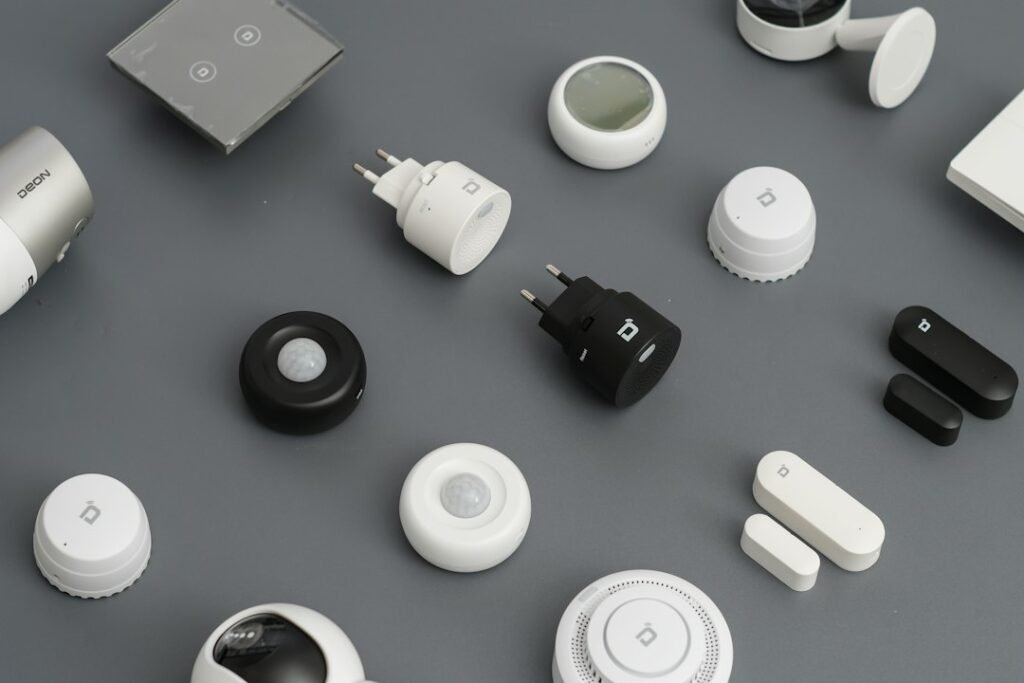
Featured photo: Fajrul Islam via Unsplash. The stock image is illustrative and does not identify any model compared below.
The direct answer: choose the storage path before the camera
If your requirement is “I need to review a clip next week without paying every month,” look for a camera with onboard local storage and confirm the supported card capacity and recording modes. If your requirement is remote access, off-site backup, or continuous recording, a cloud plan may be the more practical fit—but its recurring cost, internet dependence, and retention limits belong in the buying decision.
| Exact model | Without a subscription | Paid path | Important limitation |
|---|---|---|---|
| Tapo C120 | Local recording to a microSD card up to 512 GB; smart person, pet, vehicle, and baby-cry detection is advertised without a subscription. | Optional Tapo Care cloud service. | The card is sold separately. The camera uses 2.4 GHz Wi-Fi. Retention depends on card size, recording settings, and activity. |
| Ring Indoor Cam (2nd Gen) | Live view and alerts remain available. | A Ring subscription is required to review recorded events. Ring’s 24/7 option also requires an eligible camera, a Ring Protect subscription, and a per-camera 24/7 Recording add-on. | An alert is not a saved clip. Ring says events are recorded only after subscription. Continuous recording also depends on network connectivity and continuous power. |
| Nest Cam Indoor (wired, 3rd gen) | Six hours of 10-second event video previews are included. | Google Home Premium Standard extends event history to 30 days; Advanced provides 60 days of event history plus 10 days of 24/7 continuous history. | The included six-hour window is not a multi-day archive. This model uses the Google Home app, not the Nest app or home.nest.com. |
Bottom line: Tapo offers the clearest no-recurring-fee archive of these three, provided you buy and maintain a compatible microSD card. Ring’s no-plan experience is useful for live response, not later event review. Nest includes a short preview window, but meaningful multi-day history moves to Google Home Premium.
Three connection paths—and where the recording actually lives
1. Tapo C120: camera → microSD card → Tapo app playback
The camera writes footage to a card inside the device. Your phone is the viewer and controller; it is not the storage location. TP-Link lists a microSD slot supporting cards up to 512 GB and separately offers Tapo Care cloud storage. This path can avoid a recurring storage fee, but it also puts the archive in the same physical place as the camera.
- Required: Tapo C120, continuous power, 2.4 GHz Wi-Fi for setup and app access, and a compatible microSD card for local recording.
- Expected outcome: the app shows the card as available, and the playback timeline contains clips or continuous segments according to the chosen schedule.
- If it fails: confirm that the card is detected and formatted in the app, verify the recording schedule, then create a short test event and check playback before relying on it.
2. Ring Indoor Cam (2nd Gen): camera → internet → Ring cloud → Ring app
Ring’s official subscription documentation makes a crucial distinction: without a subscription you can watch live video and respond to alerts, but a subscription is required to review recorded video. The Indoor Cam (2nd Gen) is eligible for Ring’s 24/7 Recording when continuously powered, yet that mode adds both a base Ring Protect requirement and a separate 24/7 add-on for each camera.
- Required for event review: camera, 2.4 GHz Wi-Fi, internet service, continuous power, and an eligible Ring subscription.
- Required for 24/7: all of the above plus the 24/7 Recording add-on; Ring says the feature is limited to ten devices at one location and continuous footage is temporarily stored for up to 14 days.
- Expected outcome: new events appear in the Ring timeline after the plan is active. Earlier missed events cannot be recovered retroactively.
- If it fails: first check whether the event occurred after subscription started, then verify Recording Mode, power, and Wi-Fi. Do not assume that receiving an alert proves a clip was saved.
3. Nest Cam Indoor (wired, 3rd gen): camera → internet → Google cloud → Google Home
Google includes six hours of event video previews, with clips up to ten seconds, on this exact wired third-generation model. That is enough to revisit a recent alert, but it is not enough for “show me what happened yesterday.” Google Home Premium Standard expands event recording to 30 days; Advanced expands it to 60 days and adds ten days of 24/7 history.
- Required: the wired third-generation camera, continuous power, Wi-Fi and internet, a Google Account, and the Google Home app.
- Expected outcome without a plan: recent detected activity appears as short previews within the six-hour window.
- If it fails: confirm the model generation, look in Google Home rather than the legacy Nest app, and check whether the event has aged outside the included window. If multi-day retrieval is essential, the no-plan tier does not meet the requirement.
A worked buying decision: seven days of pet-room review
Consider a hypothetical household that wants to check whether a pet entered a room while nobody was home. The requirement is not simply “send an alert.” It is: retain enough video to review any event from the previous seven days, without a recurring fee if possible.
| Decision question | Tapo C120 | Ring Indoor Cam (2nd Gen) | Nest Cam Indoor (3rd gen) |
|---|---|---|---|
| Can the owner review a seven-day-old event without a plan? | Potentially yes, if the local card has not overwritten it and recording was configured correctly. | No. Live view and alerts do not create reviewable event history without subscription. | No. The included preview window is six hours. |
| What extra cost must be counted? | Compatible microSD card; eventual card replacement is possible. | Ring subscription; 24/7 requires an additional per-camera add-on. | Google Home Premium for history longer than six hours. |
| What happens if the internet fails? | Local recording may remain the intended storage path, but remote viewing and notifications can be affected; verify behavior for your configuration. | Cloud recording and remote access depend on connectivity. | Cloud history and remote access depend on connectivity. |
| Best fit for this requirement | Best documented match when local storage and no monthly fee are priorities. | Better if cloud access and Ring ecosystem features justify the recurring cost. | Better if Google Home integration and paid cloud history are priorities. |
This conclusion is a requirements match based on published specifications, not a claim that one camera has been tested as universally “best.” Placement, Wi-Fi quality, privacy rules, detection settings, lighting, and power reliability still affect the result.
Completed diagnostic example: the alert arrived, but there is no clip
Suppose a motion alert appeared at 2:15 p.m. and at 7:30 p.m. the owner tries to review it.
- Identify the promised storage path. Tapo local card, Ring cloud plan, or Nest included/paid cloud history?
- Check whether recording—not merely detection—was enabled at 2:15 p.m. An alert proves that detection occurred; it does not prove that footage was retained.
- Check the retention window. The Nest third-generation included preview should still be inside six hours at 7:30 p.m., but it would age out at 8:15 p.m. Ring without a subscription has no stored event to recover. Tapo requires a detected, healthy card and an active recording schedule.
- Create a controlled test event now. Walk through the activity zone, wait for the alert, then immediately open playback. If the new event is missing, troubleshoot storage state or recording settings before changing sensitivity.
Next decision: if a new test records but the older event is gone, the problem is retention or plan limits. If the new test also fails, the problem is configuration, storage health, connectivity, or power. This split prevents wasting time adjusting motion zones when the real issue is that no storage destination was active.
Budget for the whole recording system
A “subscription-free” camera is not cost-free. Record the following before buying:
- Camera hardware
- Required storage card and a replacement allowance
- Any hub, bridge, or controller required by the exact model (none is added merely because another product in the same brand uses one)
- Cloud plan and per-camera add-ons
- Internet data use, especially for continuous cloud upload
- Backup power if outages would create unacceptable gaps
- Time needed to test playback, retention, privacy zones, and account recovery
Prices, promotions, regional availability, and plan names can change, so an unknown future cost should not be entered as zero. Compare the current official checkout total for your country before purchase.
Privacy and reliability checks before you mount the camera
- Point indoor cameras away from beds, bathrooms, computer screens, and neighbors’ property.
- Use privacy zones where the model supports them.
- Enable multi-factor authentication on the camera account.
- Test what happens after router restart, power loss, card removal, and plan expiration.
- Export one sample clip so you know how evidence leaves the vendor’s app.
- Check local rules before recording audio or shared spaces.
For a broader account and data review, use the HomeTechPulse smart-home privacy audit. If you are choosing between cloud dependence and local control across your whole setup, read Local vs. Cloud Smart Home Control. And if continuous monitoring matters, pair the camera decision with the smart-home power outage plan.
Official sources
- TP-Link: Tapo C120 product page and specifications — local microSD capacity, Tapo Care option, detections, and 2.4 GHz Wi-Fi.
- Ring: Indoor Cam (2nd Gen) specifications — model capabilities and connectivity.
- Ring: Understanding Ring Protect subscriptions — live view, alerts, event recording, and review requirements.
- Ring: 24/7 Recording — eligible devices, required plans, storage limit, and app path.
- Google Store: Nest Cam Indoor (wired, 3rd gen) — included previews, app requirement, and plan history.
- Google Home Help: camera video-history comparison — Standard and Advanced retention.
Documentation checked October 9, 2026. Product features and subscriptions can change; verify the exact model and region on the linked manufacturer pages before buying.