No Neutral Wire? Three Smart Switch Paths Compared
· HomeTechPulse
A missing neutral wire does not rule out every smart wall switch—but it immediately rules out some popular models. Before choosing an app or ecosystem, match four electrical facts: neutral availability, circuit voltage, load type, and single-pole versus multi-location wiring. Then count the hub or controller needed for smart features.
This documentation-based comparison uses three exact products: the Lutron Caséta Diva Smart Dimmer DVRF-6L, Tapo S505D Matter Smart Wi-Fi Dimmer, and Aqara Smart Wall Switch H1 EU (No Neutral). It is not a hands-on review. Specifications and support pages were checked on October 12, 2026.
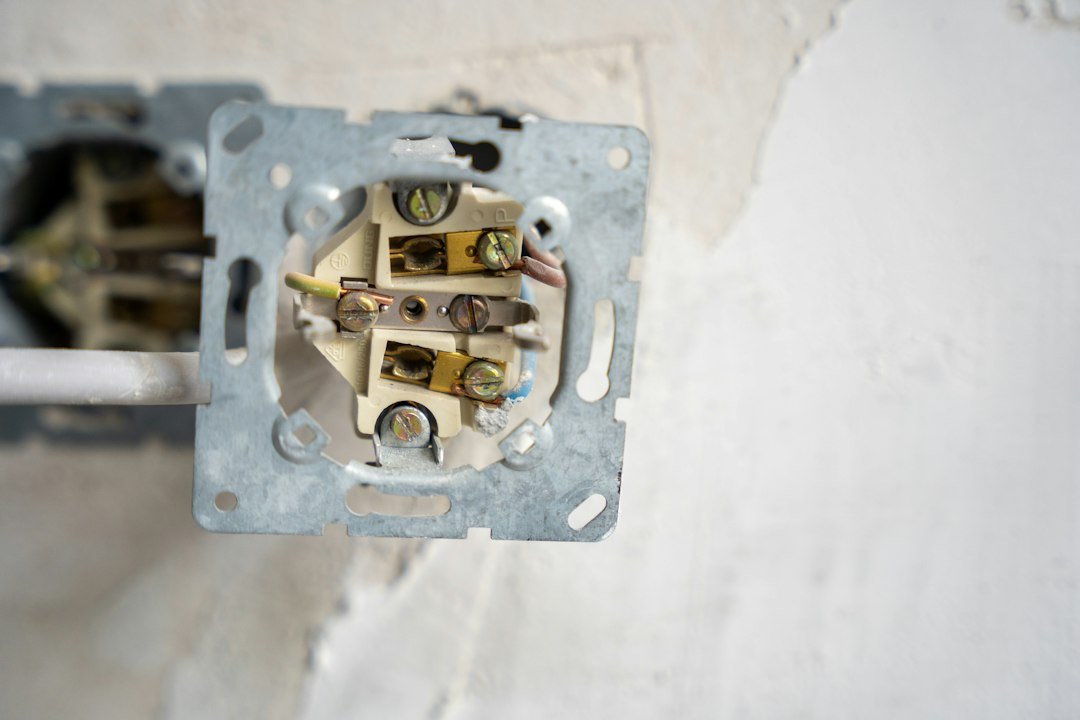
Safety boundary: this is a buying and planning guide, not wiring instruction. Wire color alone does not prove conductor function, and an old wall box may contain unexpected wiring. Have a qualified electrician verify the circuit, voltage, grounding, box depth, and load before purchase or installation.
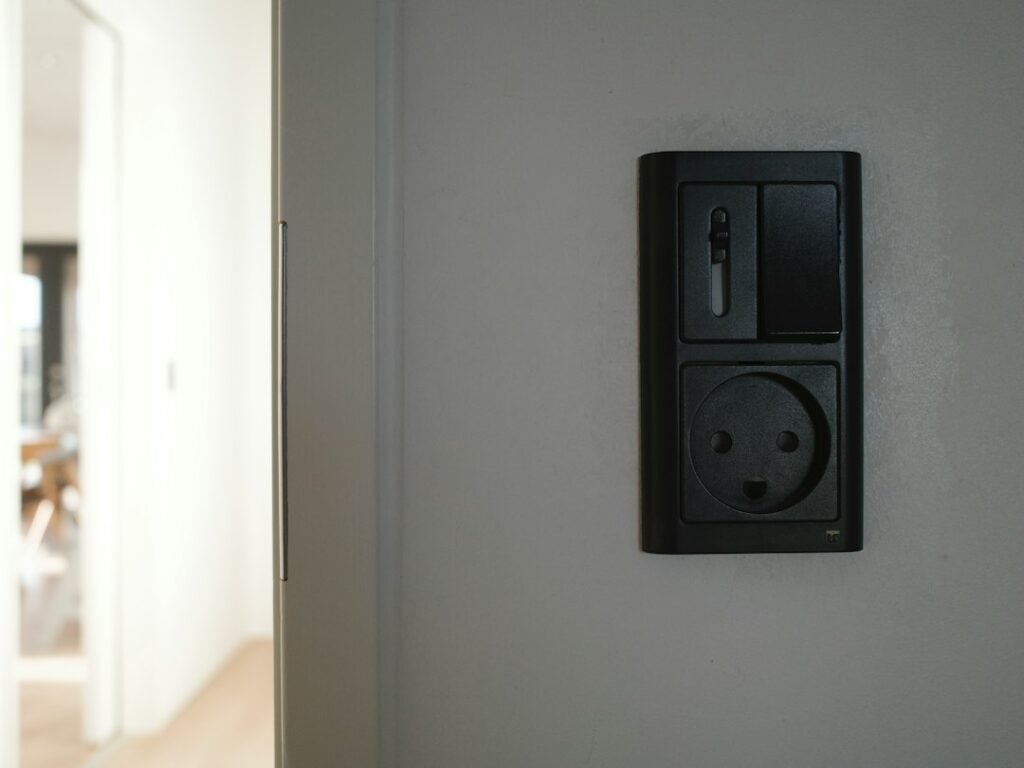
Featured photo: Sebastian Puskeiler via Unsplash. The stock switch is illustrative and is not one of the compared products.
The quick answer
| Exact product | Neutral needed? | Electrical fit | Smart-control path | Main exclusion |
|---|---|---|---|---|
| Lutron Caséta Diva Smart Dimmer DVRF-6L | No | 120 V forward-phase; up to 150 W dimmable LED or 600 W incandescent/halogen | Dimmer ↔ Pico directly, or dimmer ↔ Clear Connect ↔ Caséta Smart Hub ↔ app/ecosystems | Not for 220–240 V circuits; not rated for ELV or MLV loads. App, schedules, scenes, and third-party integration need the hub. |
| Tapo S505D | Yes | 120 V, 60 Hz; up to 150 W LED or 300 W incandescent/halogen; TRIAC leading-edge dimming | Switch ↔ 2.4 GHz Wi-Fi ↔ Tapo app, or switch ↔ Matter controller/ecosystem | Not a candidate when the box truly has no neutral. It is single-pole and not compatible with conventional 3-way wiring. |
| Aqara Smart Wall Switch H1 EU, No Neutral WS-EUK01 / WS-EUK02 | No | 100–250 VAC, 50/60 Hz; up to 8 A resistive load | Switch ↔ Zigbee 3.0 ↔ compatible Aqara hub ↔ Aqara Home/partner ecosystem | A compatible Aqara Zigbee 3.0 hub is required. It is an on/off switch, not the dimmer alternative to the other two. |
Direct decision: for a 120 V circuit with dimmable lighting and no neutral, the DVRF-6L is the closest documented match here. For a 120 V box that has a neutral and needs Matter, the S505D is the relevant path. For a 220–240 V region with no neutral, the H1 EU has the appropriate published voltage range, but it adds an Aqara hub and does not provide dimming.
Why a neutral wire changes the shortlist
A smart switch needs a small amount of power even when the lamp is “off” so its radio and control electronics can remain available. A neutral-required switch uses line and neutral to power itself. A no-neutral design instead operates within the limits of its certified circuit design and compatible load. That difference is why two switches that look similar on a product page cannot be substituted without checking the wiring diagram and electrical ratings.
Do not use “white wire equals neutral” as a buying test. Manufacturer diagrams describe usual conventions, but renovations, regional practices, and older work can differ. The reliable workflow is:
- Record the country and nominal circuit voltage.
- Ask an electrician to identify line, load, neutral, ground, and any travelers.
- Record whether the fixture uses dimmable LED, incandescent/halogen, ELV, MLV, a fan, or another load.
- Check whether one wall control or multiple wall controls operate the same light.
- Only then compare a model number—not merely a brand or product family.
Path 1: Lutron DVRF-6L—no neutral, optional hub
Lutron lists the DVRF-6L as a 120 V forward-phase dimmer that does not require a neutral. It supports up to 150 W of dimmable LED or 600 W of incandescent/halogen lighting, and Lutron specifically says it is not rated for ELV or MLV loads. See Lutron’s DVRF-6L product-selection documentation.
The device can work as a local dimmer and communicate directly with Pico remotes without Wi-Fi or a hub. The role split matters:
- End device: DVRF-6L controls and dims the lighting load.
- Optional secondary control: a Pico remote can communicate directly with the dimmer.
- Bridge/controller: the Caséta Smart Hub connects by Ethernet to the router and uses Lutron Clear Connect to reach Caséta devices.
- What the hub unlocks: Lutron app monitoring and control, scenes, schedules, and integrations with connected platforms.
Expected result without a hub: local paddle/slider control and a paired Pico can operate the light. If the buyer expects phone control without buying the hub, stop: that requirement is not met.
Compatibility decision: choose this path only after confirming 120 V service, a compatible dimmable load, and the correct multi-location plan. The no-neutral advantage does not override voltage or load restrictions.
Path 2: Tapo S505D—neutral required, hub usually not required
The Tapo S505D takes a different route. TP-Link lists 2.4 GHz Wi-Fi and Bluetooth for setup, plus Matter compatibility with Apple Home, Alexa, Google Assistant, and SmartThings. Its published wiring includes line, load, neutral, and ground. The product is rated for 120 V, 60 Hz and is a single-pole dimmer. See the official S505D product page and specifications.
- End device: S505D controls a compatible dimmable load.
- Primary network path: the switch joins 2.4 GHz Wi-Fi for Tapo app control.
- Matter path: its Matter code can be commissioned into a compatible Matter platform; that platform’s controller and remote-access requirements still apply.
- Optional Tapo Hub: not required for the switch’s normal Wi-Fi operation, but TP-Link says a Tapo Hub is required when using certain Tapo sensors or a Tapo Smart Button with it.
Expected result: if the neutral and load are correct, the switch can be onboarded through Tapo or a supported Matter app. If there is no neutral: do not buy it expecting software or a Matter controller to solve the electrical mismatch. Matter changes the control layer, not the conductors in the wall.
Multi-location warning: TP-Link identifies this model as single-pole and not compatible with traditional 3-way wiring. A Tapo Smart Button can add another control point, but that is a wireless accessory path and requires a Tapo Hub; it does not turn the wall switch into a conventionally wired 3-way device.
Path 3: Aqara H1 EU No Neutral—wide voltage range, hub required
Aqara’s no-neutral H1 EU is a Zigbee 3.0 on/off wall switch offered in single- and double-rocker versions. The exact no-neutral models WS-EUK01 and WS-EUK02 are specified for 100–250 VAC, 50/60 Hz, with a maximum 8 A resistive load. Aqara says a compatible Zigbee 3.0 Aqara hub is required. See Aqara’s exact model specifications and hub requirement.
- End device: H1 EU switches the connected load on or off.
- Coordinator/bridge: a compatible Aqara hub forms the Zigbee network and exposes supported controls to Aqara Home and partner ecosystems.
- Secondary location: Aqara documents a wireless-switch approach for a flexible two-way-style setup; this should not be confused with reusing any existing traveler wiring without an approved diagram.
- Feature boundary: this is not a dimmer. Its broader voltage range and no-neutral design do not make it a substitute when variable brightness is required.
Expected result: after correct installation and hub pairing, the relay is available in Aqara Home and supported integrations. If local switching works but the app never finds it: first confirm that a compatible Aqara Zigbee 3.0 hub is present, powered, and in pairing range.
Three completed buying examples
Example A: older US bedroom, no neutral, dimmable LED
Known facts: 120 V circuit, one dimmable LED fixture, no neutral in the wall box, phone scheduling desired.
Decision: the DVRF-6L matches the no-neutral and dimming requirements. Add the Caséta Smart Hub to the budget because scheduling and app control require it. Confirm the bulb is dimmable and the total LED load is within 150 W. The S505D fails at the neutral check. The H1 EU is not the dimmer path.
Example B: newer US room, neutral present, Matter is required
Known facts: 120 V/60 Hz, neutral confirmed, single-pole box, compatible TRIAC-dimmable LEDs, buyer wants an existing Matter ecosystem.
Decision: the S505D is the direct documented candidate. Before purchase, confirm the ecosystem already has the appropriate Matter controller and verify remote access separately. Do not add a Tapo Hub unless Tapo sensors or a Smart Button are part of the plan.
Example C: 230 V home, no neutral, on/off control only
Known facts: 230 V circuit, no neutral, on/off load, European-style compatible wall box, app control wanted.
Decision: the US-market 120 V Lutron and Tapo models are excluded by voltage before their smart features matter. The H1 EU’s published 100–250 V range fits the voltage requirement, but a compatible Aqara hub, correct load, regional availability, certifications, and physical box fit must still be confirmed.
Diagnostic example: the switch works by hand but not from the app
This symptom often indicates a missing control-path component rather than bad mains wiring. Use the model number to choose the next check:
| Model | Physical control works | App control fails | Next decision |
|---|---|---|---|
| DVRF-6L | The local dimmer can operate without a hub. | The Caséta Smart Hub may be absent, offline, or not connected by Ethernet. | If app control is required, add or repair the hub path. Do not troubleshoot Wi-Fi at the dimmer; it uses Clear Connect. |
| S505D | The load wiring may be functional. | Check 2.4 GHz onboarding or the chosen Matter-controller path. | A missing Tapo Hub is not normally the cause unless the setup depends on a Tapo sensor or Smart Button. |
| H1 EU No Neutral | The relay can still switch the load locally. | A compatible Aqara Zigbee 3.0 hub is mandatory for the documented smart path. | Verify hub compatibility and pairing range before resetting or replacing the wall switch. |
Expected outcome: once the required controller path is complete, a command from the app changes the load state and the app reflects the new state. If it still fails: preserve the working physical installation, record the exact model and hub, then follow the manufacturer’s pairing and range troubleshooting instead of repeatedly cutting mains power or factory-resetting every device.
The full cost is more than the switch
- Lutron: dimmer, compatible bulbs, and—when app, schedules, scenes, or platform integration are required—the Caséta Smart Hub. Pico or accessory controls cost extra.
- Tapo: switch and compatible Matter controller if using Matter. A Tapo Hub and wireless button/sensor are additional when those features are selected.
- Aqara: switch plus a compatible Aqara Zigbee 3.0 hub; an additional wireless switch may be needed for the documented secondary-control approach.
- All paths: electrician assessment/installation, wall-box changes if necessary, and replacement bulbs if the existing load is incompatible.
Prices and bundles vary by region and date. A controller you do not already own is not a zero-cost accessory, and regional voltage or certification mismatches cannot be fixed by an adapter.
A five-line worksheet before ordering
| Field | Record this | Reject a product when… |
|---|---|---|
| Circuit | Voltage and frequency | The model rating does not include them. |
| Conductors | Line, load, neutral, ground, travelers—professionally identified | A required conductor is absent. |
| Load | Type, dimmable/non-dimmable, total watts | Type or wattage falls outside the published rating. |
| Control points | Single-pole or multi-location | The exact model/approved accessory plan does not match. |
| Smart path | Wi-Fi, Matter controller, Lutron hub, or Aqara hub | The required controller is missing from the budget. |
If protocol labels are still confusing, review Matter vs Thread vs Wi-Fi: A Smart Home Buying Checklist. After installation, apply a consistent label from How to Name Smart Home Devices. For recovery testing after installation, use the Smart Home Power Outage Plan.
Official sources
- Lutron: Diva Smart Dimmer for Caséta DVRF-6L — voltage, neutral requirement, load ratings, multi-location options, and app settings.
- Lutron: Caséta Smart Hub — hub roles, Ethernet connection, Clear Connect, and which smart features require it.
- TP-Link: Tapo S505D — wiring, voltage, load, Wi-Fi, Matter, single-pole limitation, and optional-accessory hub requirements.
- Aqara: H1 EU No Neutral overview — Zigbee path, hub requirement, wall-box formats, and secondary-control approach.
- Aqara: H1 EU No Neutral specifications — exact model numbers, voltage range, current rating, dimensions, and protocol.
Documentation checked October 12, 2026. Product revisions, regional availability, app support, and electrical codes can change. Verify the exact model suffix and local requirements before purchase.