Do Smart Door Sensors Need a Hub? Three Connection Paths Compared
· HomeTechPulse
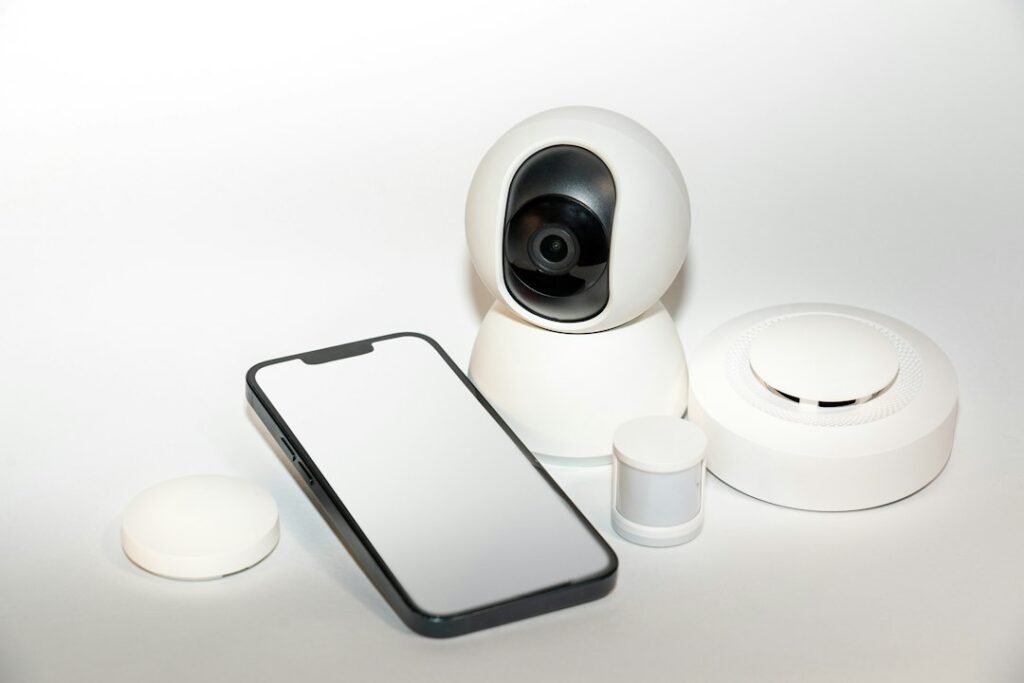
Short answer: most battery-powered smart door and window sensors need another always-on device somewhere in the connection path. A Zigbee sensor needs a compatible hub, a Z-Wave security sensor needs its system base station, and a Matter-over-Thread sensor needs both a Thread Border Router and a Matter controller. Those last two roles can exist in the same physical hub, but they are not the same job.
The sensor is only the end device. Before buying one, map the complete path from the magnet on the door to the alert or automation you expect. This documented comparison uses three current models to show the difference; it is not a hands-on review.
The four roles buyers often mix up
| Role | What it does | What it does not guarantee |
|---|---|---|
| End device | Detects the magnet moving away and reports open or closed. | It usually does not deliver phone alerts by itself. |
| Proprietary hub or base station | Connects a Zigbee or Z-Wave sensor to the vendor’s system and often to other platforms. | A hub from another brand is not automatically compatible. |
| Thread Border Router | Routes traffic between the Thread mesh and the home’s IP network. | Border routing alone does not commission or manage a Matter accessory. |
| Matter controller | Commissions and manages Matter devices inside a chosen smart-home platform. | It does not necessarily include a Thread Border Router. |
This role separation is the same principle used in our Matter, Thread, and Wi-Fi buying checklist. The protocol logo tells you how a product communicates; it does not list every component required to make the final automation work.
Three real connection paths, checked October 2, 2026
| Example model | Sensor radio | Required infrastructure | Actual path | Important limitation |
|---|---|---|---|---|
| Aqara Door and Window Sensor T1 | Zigbee 3.0 | Compatible Aqara hub | Sensor → Aqara hub/bridge → Aqara Home or exposed platform → automation/alert | Not a standalone Wi-Fi sensor. Aqara specifies a maximum 22 mm detection distance. |
| Eve Door & Window (current Matter model) | Thread | Compatible hub with both Matter Controller and Thread Border Router functionality | Sensor → Thread mesh → Thread Border Router → Matter controller/platform → automation/alert | “No proprietary bridge” does not mean “no hub.” Both roles are required. |
| Ring Alarm Contact Sensor (2nd Gen) | Z-Wave | Ring Alarm or Alarm Pro Base Station | Sensor → Ring Base Station → Ring Alarm/Ring app → alert or alarm workflow | It is not standalone. Optional professional monitoring and some app features require a compatible subscription. |
1. Aqara T1: a Zigbee end device behind an Aqara hub
Aqara lists the Door and Window Sensor T1 as model DW-S03D with Zigbee 3.0, a CR1632 battery, and a maximum detection distance of 22 mm. Its user manual instructs the owner to have the Aqara Home app and an Aqara hub installed before activation. See the official T1 specifications, user manual, and installation FAQ.
The hub is doing more than providing internet access. It joins the Zigbee sensor, exposes its state to Aqara Home, and may bridge supported devices into another ecosystem. Buying the T1 without a compatible Aqara hub leaves the connection path incomplete.
- Good fit: a home that already uses a compatible Aqara hub and wants another small contact sensor.
- Extra hardware: the compatible hub is a separate requirement if you do not already own one.
- Subscription: the reviewed global product, specification, and manual pages do not state that a recurring plan is required for basic sensor operation. Verify regional cloud or partner-platform terms before purchase; an unlisted cost is not zero.
2. Eve Door & Window: Matter over Thread still needs infrastructure
Eve’s current product page lists Thread connectivity and requires a compatible hub that provides both Matter Controller and Thread Border Router functionality. The sensor itself is a battery-powered Thread endpoint; it is not the border router. Eve lists one replaceable ½ AA ER14250 3.6V battery. See the official Eve Door & Window requirements and specifications and support page.
The same physical home hub may perform both required roles, but buyers should verify that exact model and current software. A device advertised as a Matter controller may lack Thread, while a Thread Border Router alone is not necessarily the controller for the platform where you want the sensor to appear.
- Good fit: a home that already has a compatible Matter controller with Thread Border Router capability.
- Extra hardware: a compatible hub is required even though there is no proprietary Eve bridge.
- Subscription: Eve’s reviewed product page lists the compatible hub requirement but no mandatory recurring plan for basic operation. Cloud history, remote access, or automations may depend on the chosen platform and its current terms.
3. Ring Contact Sensor: part of an alarm system, not a standalone accessory
Ring specifies Z-Wave connectivity and requires Ring Alarm or Alarm Pro, sold separately. The second-generation sensor uses two CR2032 batteries and must be within 1 inch (2.5 cm) of its magnet when closed. Ring also warns that metal doors and aluminum frames may interfere with the signal. See the official Ring product and technical specifications and positioning instructions.
The product page describes real-time Ring app alerts and an optional professional-monitoring workflow. Ring states that compatible professional monitoring requires a subscription, and its current positioning page notes that a compatible subscription is required for digital arming/disarming and certain other in-app features. Availability and terms are regional.
- Good fit: a household already building around Ring Alarm.
- Extra hardware: Ring Alarm or Alarm Pro Base Station is mandatory.
- Subscription: do not treat optional monitoring or subscription-linked app features as included with the sensor.
Buying decision: follow the infrastructure you already own
| Your current home | Lowest-friction path | Decision before checkout |
|---|---|---|
| Compatible Aqara hub already installed | Aqara T1 | Confirm the hub model, region, and third-party exposure you need. |
| Compatible Matter controller plus Thread Border Router already installed | Eve Door & Window | Confirm that your chosen platform and hub support commissioning this current Matter model. |
| Ring Alarm or Alarm Pro already installed | Ring Contact Sensor (2nd Gen) | Confirm region, alarm workflow, and which desired features require a plan. |
| No hub or controller installed | None is automatically “hub-free” | Price the required infrastructure, app/platform restrictions, and any subscription before comparing sensor prices. |
If the goal is only to turn on a hallway light, an alarm-system sensor may add more infrastructure than needed. If the goal is to arm a monitored security system, a general-purpose sensor may not provide the required alarm workflow. Start with the outcome, then choose the connection path.
Worked configuration: front door opens, hallway light turns on
Hypothetical example—not a hands-on test: A home already has an Aqara hub and a T1 sensor on the front door. The desired automation is “when the front door opens after sunset, turn on the hallway light for three minutes.”
| Step | Expected outcome | If it fails, make this decision next |
|---|---|---|
| Press the T1 reset button briefly near its installed position. | The Aqara hub gives the documented voice prompt, indicating communication. | No prompt: move the sensor closer to the hub or resolve pairing/range before editing the automation. |
| Close the door and keep the magnet within 22 mm. | The app shows closed. | Wrong state: correct alignment or gap; do not troubleshoot the hallway light yet. |
| Open the door. | The app changes to open promptly. | No change: check battery, pairing, metal interference, and hub communication. |
| Run the hallway light directly from its own app or platform. | The light responds. | No response: repair the light’s path before rebuilding the sensor trigger. |
| Trigger the sunset automation. | The light turns on and the timer completes. | Both devices work separately: inspect the trigger, time condition, target, and stop rule. |
The same logic applies to the Eve and Ring paths: first verify the physical sensor state, then the radio-to-hub path, then the app or controller, and only then the automation or notification. Our Home Assistant automation diagnosis explains how to preserve and compare a trigger trace when the devices work individually.
Installation check before removing the adhesive liner
- Confirm the exact model and required hub, base station, controller, and border-router roles.
- Pair the sensor before permanent mounting when the manufacturer allows it.
- Hold the sensor and magnet in the intended position and verify both open and closed states.
- Measure the closed gap against the model’s official limit.
- Test with the door or window fully opened, closed, and gently moved.
- Check whether metal frames or deep trim affect placement or radio performance.
- Confirm the final alert or automation while every required component is online.
- Record the battery type, reset procedure, hub model, and purchase region.
A contact sensor is useful for awareness and automations, but it is not automatically a certified alarm system, a lock, or proof that an opening is physically secure. Match the product to the consequence of failure.
Related HomeTechPulse guides
- Matter vs. Thread vs. Wi-Fi: A Smart Home Buying Checklist
- Local vs. Cloud Smart Home Control
- How to Name Smart Home Devices
- Smart Home Power Outage Plan
Sources and comparison scope
Manufacturer documentation reviewed October 2, 2026: Aqara T1 specifications, manual, and FAQ; Eve Door & Window product requirements and support; Ring Contact Sensor product page, installation guide, and positioning guidance. Verify the exact retail SKU, region, hub firmware, platform support, subscription terms, and current price before purchase. HomeTechPulse did not install or test these products for this article.